A day in the workspace.
Seven real screens from the product, in the order the work happens. Each one says who it’s for and what it saves.
Every screen is the product itself, running on a made-up landscaping company: every name and amount is invented.
Step 1 · Owner and office
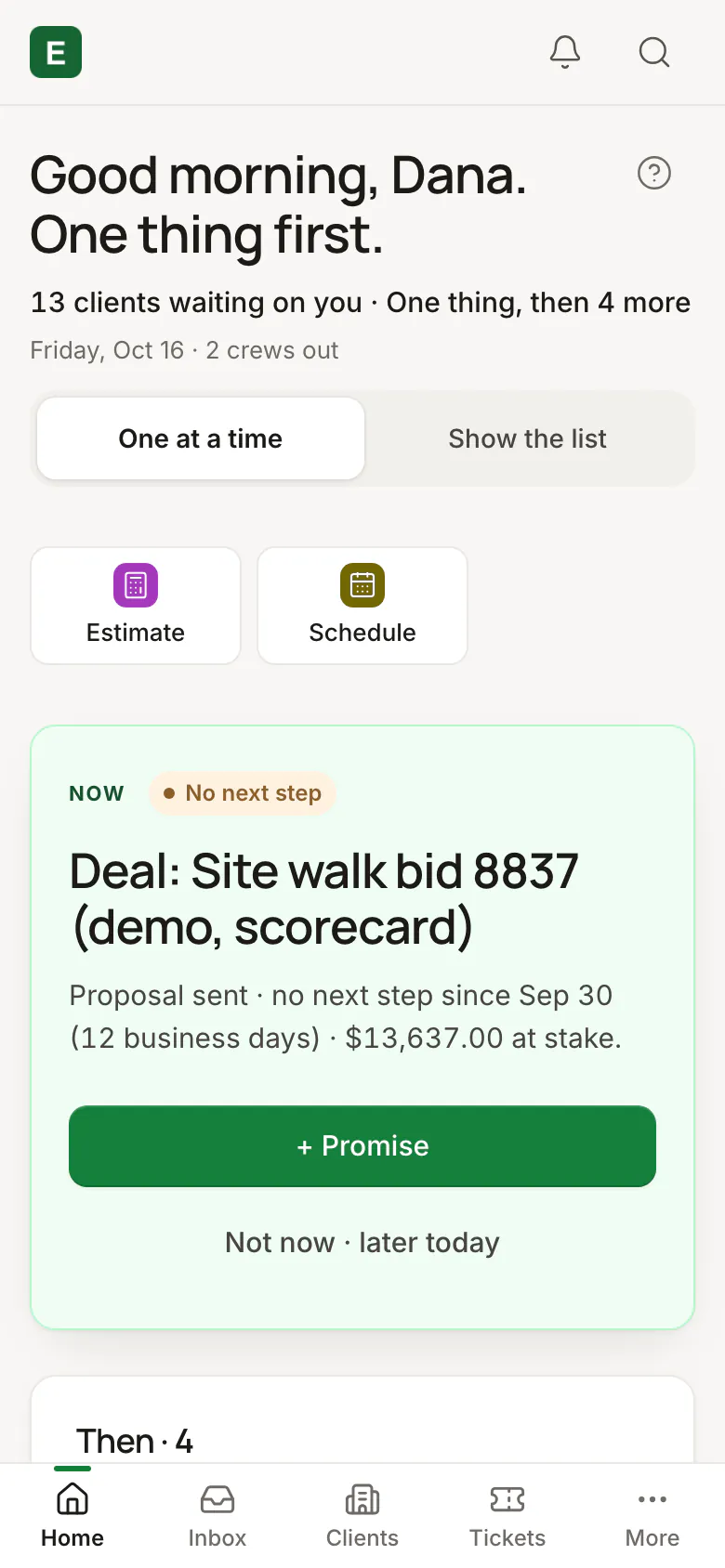
What to do now
Home opens on the one thing that needs you next, with one button, so nobody starts the day digging through lists.
Step 2 · Office
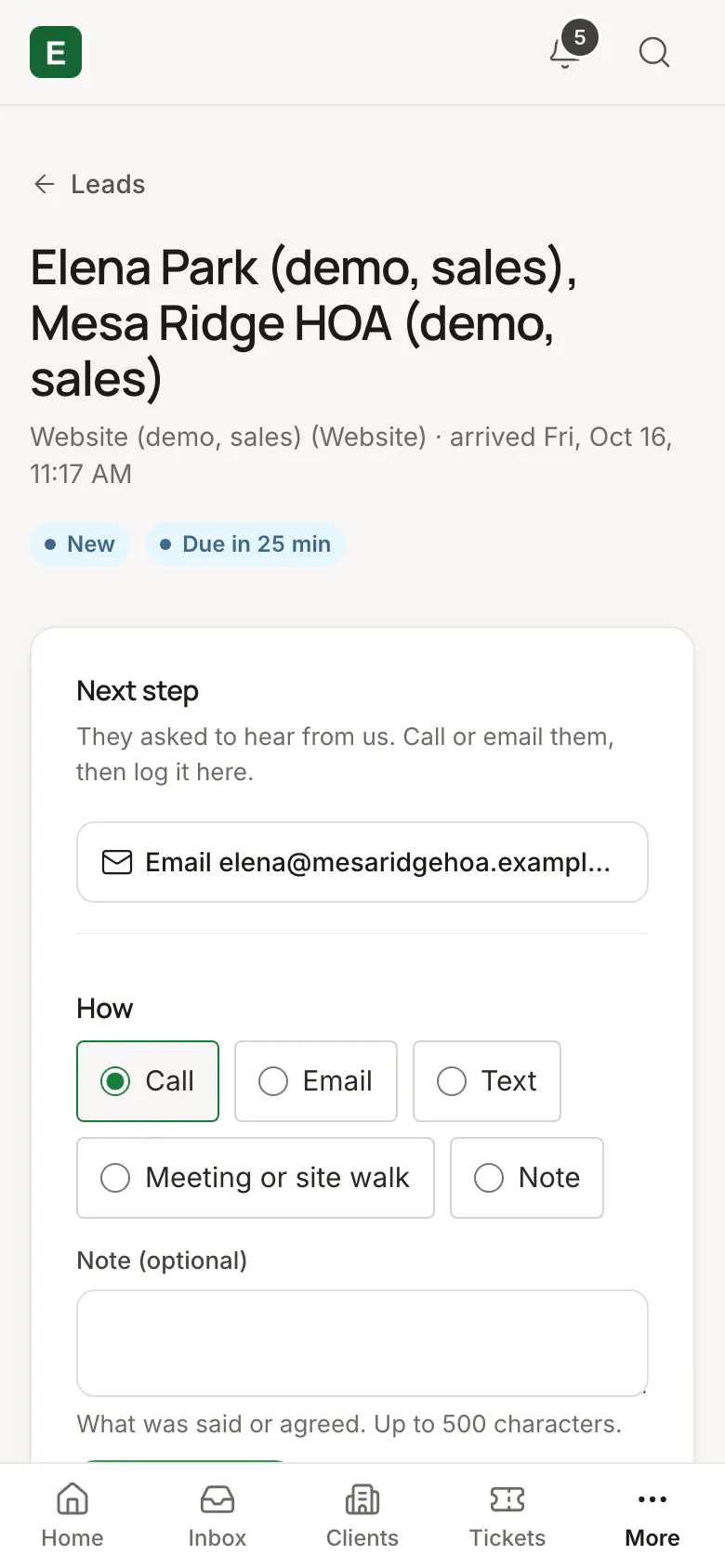
A lead comes in
Every new lead gets a first-reply clock, an hour of business time unless you set another, so it’s answered before it goes cold.
Step 3 · Estimators
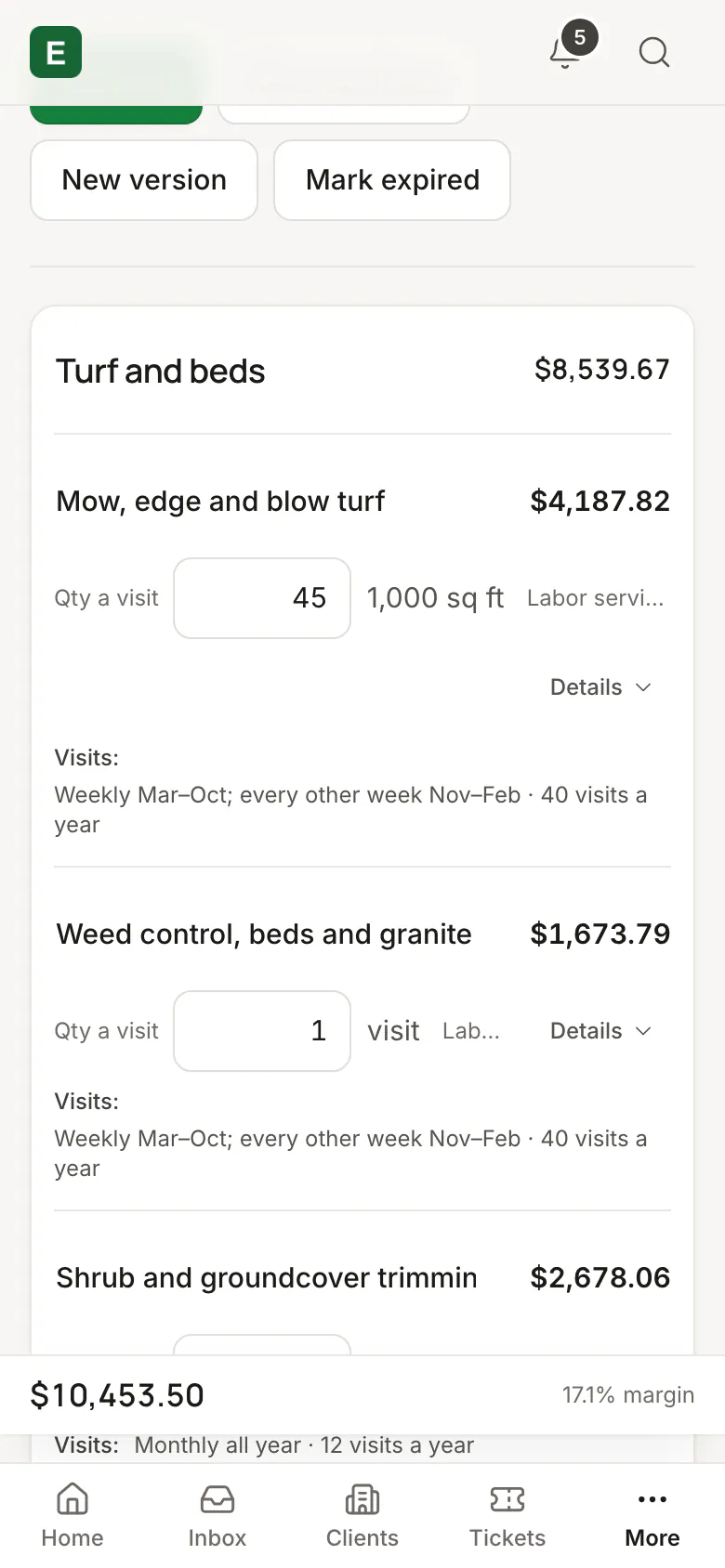
An estimate from your price book
Add lines from your own price book, so every estimate is priced the same way, whoever builds it.
Step 4 · Your customer
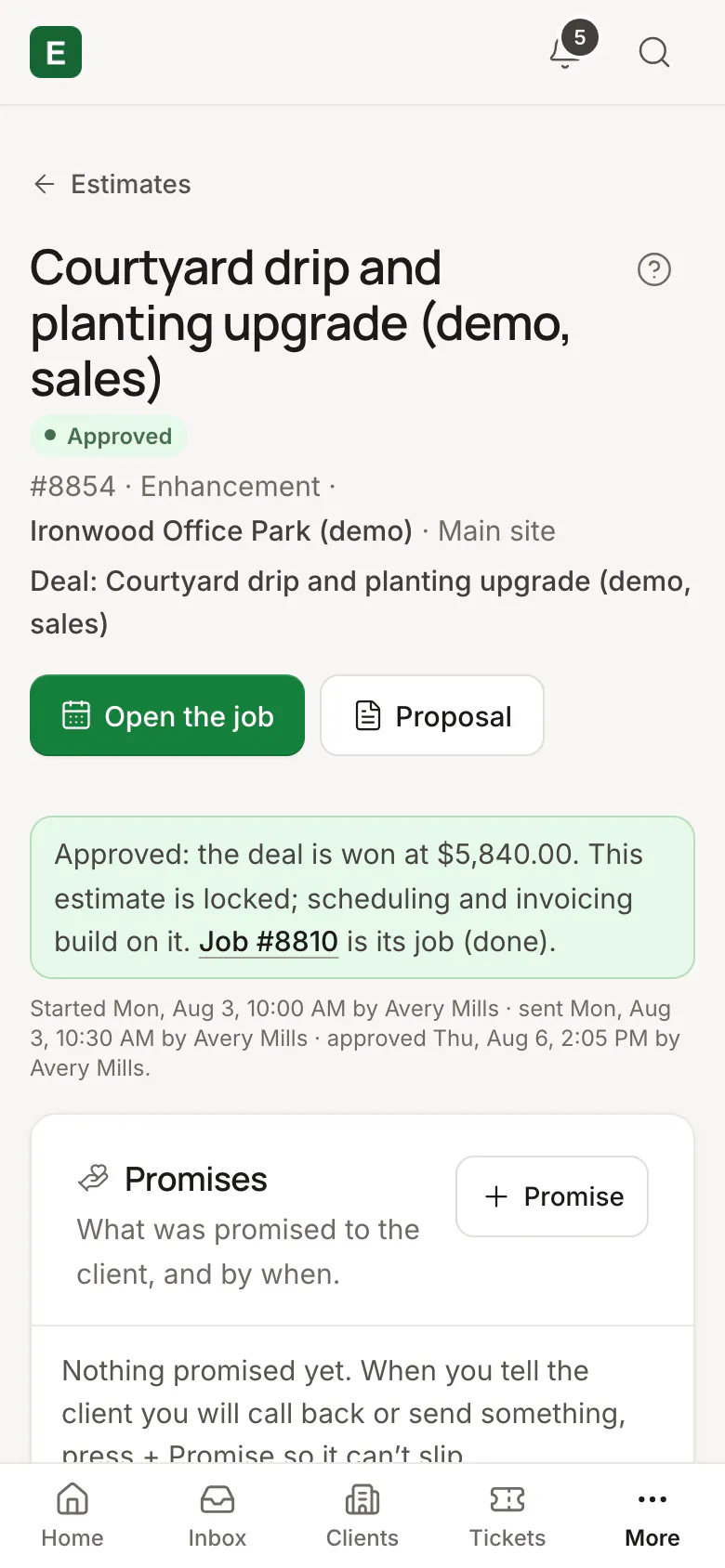
Signed from a link
Your customer signs the proposal on their phone, and the estimate is approved and the job made on their signature, with nothing retyped.
Signing online opens after counsel reviews its wording. In this demo the signed paper is a test copy the office signed itself.
Step 5 · Operations
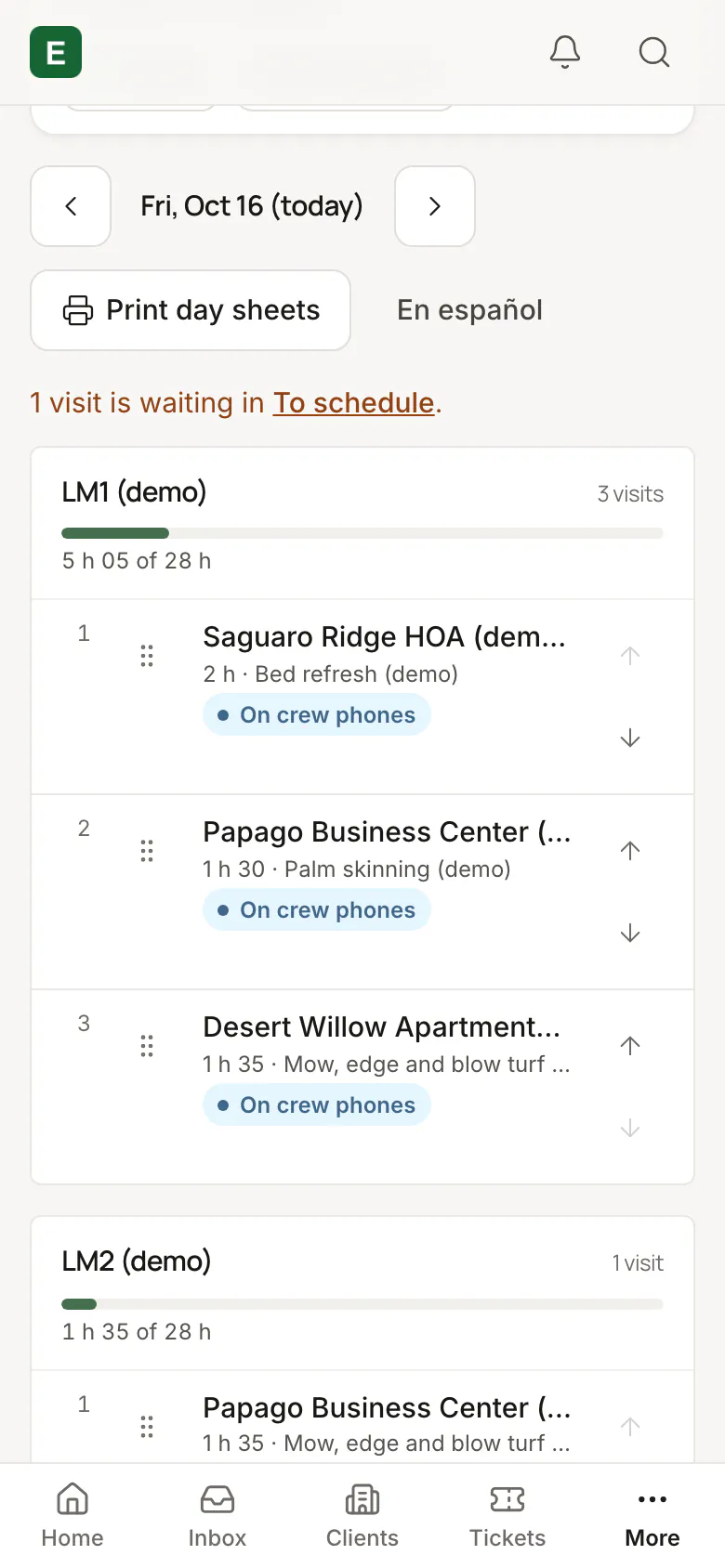
The week, by crew
The week sits on one board, crew by crew, and crews see it only once you publish it, so nobody works from a plan that’s still moving.
Step 6 · Crews
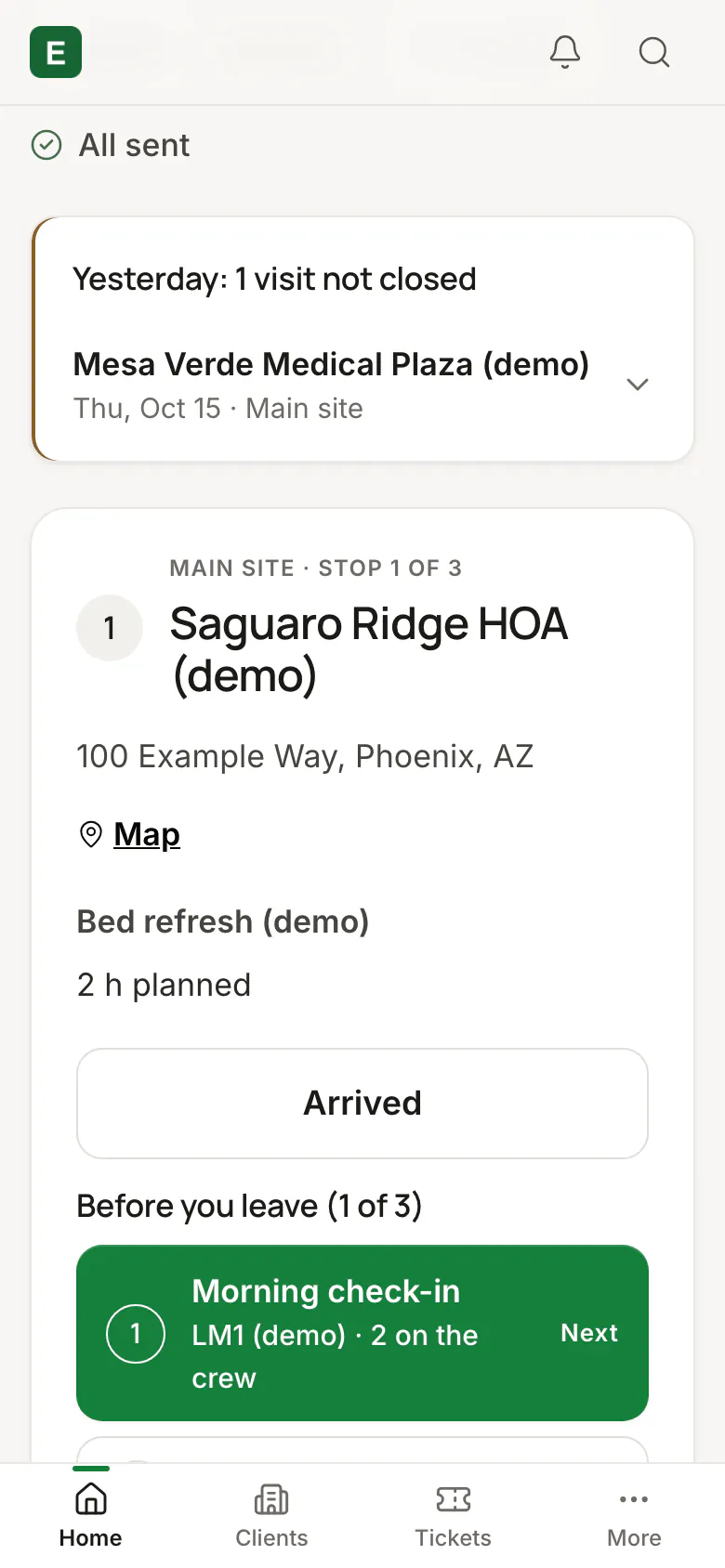
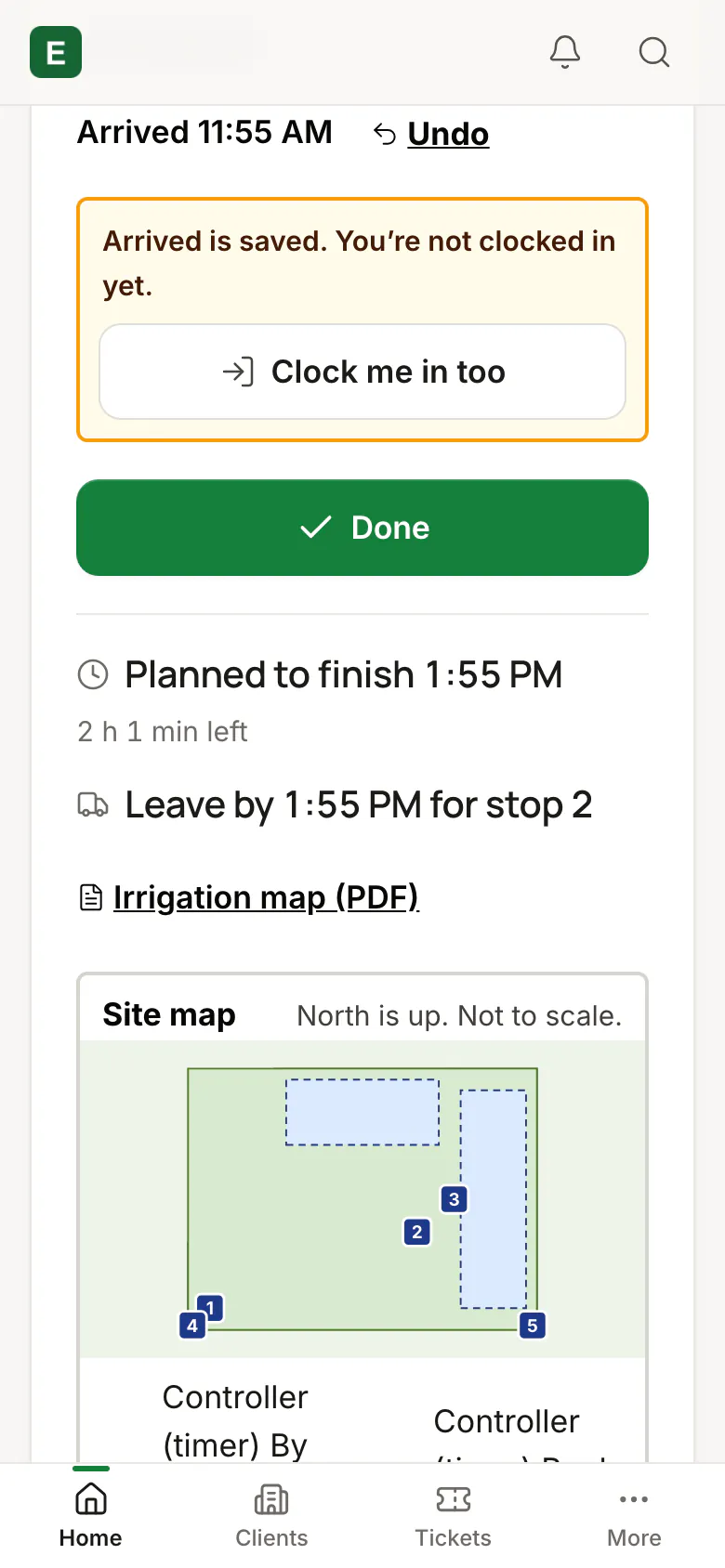
The crew’s phone
The crew’s phone shows today’s stops in order with the address, the map and the work, and Arrived and the clock-in are a tap each, so nobody has to call the office to ask.
Step 7 · Owner
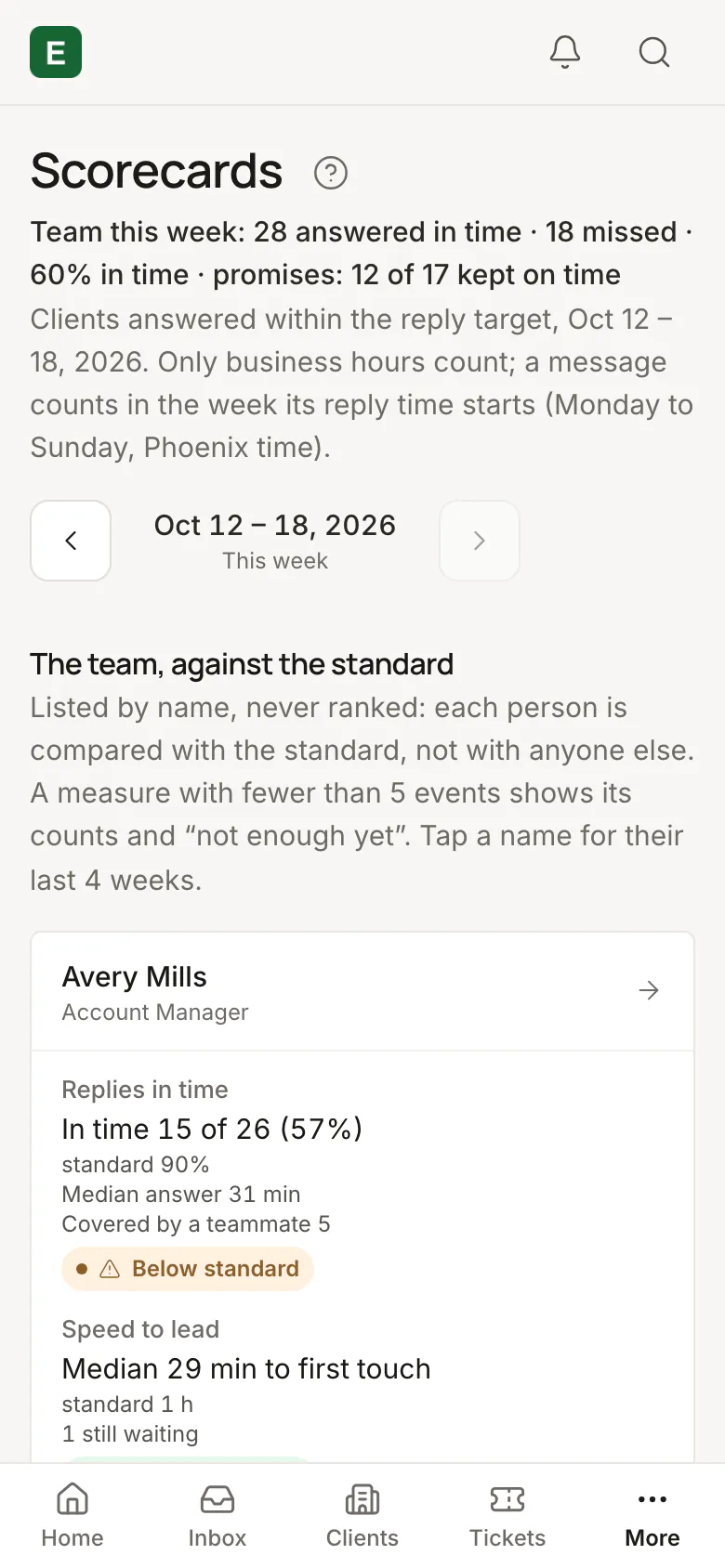
The week’s number
Scorecards show the share of customers answered in time, with every miss listed and covering credited, never a ranking.


Put your company on the list.
We’re opening to service businesses a few at a time, in the order of this list. Joining is free and doesn’t commit you to anything.